


Blog
Features to Look for in a Work Management App
- November 30, 2025
- 10:37 am
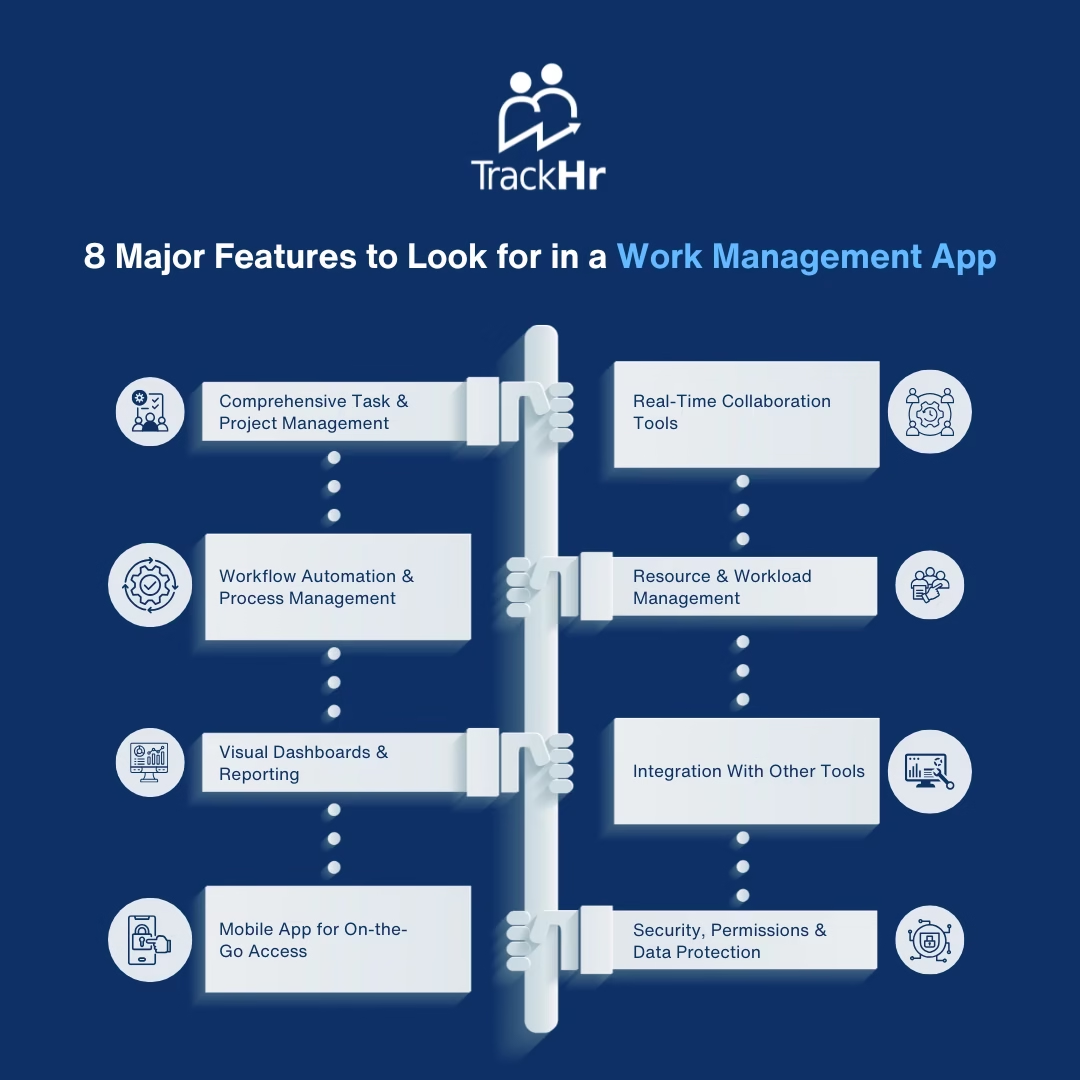
Selecting an appropriate Work Management App has the potential to radically boost productivity, coordination, and project delivery within your team. There are too many work-streamlining tools that promise to simplify your work, so it is worth learning the most significant aspects that would make an app effective. These are the 8 key characteristics that every business must find in a formidable work management platform.
1. Comprehensive Task & Project Management
The key to any successful work management application is the fact that it allows users to arrange their tasks and projects in an effective manner.
Look for features like:
- Creation of tasks and assignments.
- Subtasks and checklists
- Due dates and priorities
- Project board, project list, or project schedule.
This assists groups in remaining on track and makes all the tasks visible and traceable.
2. Real-Time Collaboration Tools
An effective work management tool must minimise fragmented communication.
The main collaboration characteristics are:
- Discussion forums and commentaries.
- File attachment and sharing.
- Updating team members by tagging.
- Change or new activity notification.
These functions concentrate communication and ensure that everyone is on track.
3. Workflow Automation & Process Management
Automation saves time, eradicates repetitive processes, and reduces manual errors.
Look for:
- Automated task assignment
- Recurring tasks
- Auto reminders and follow-ups.
- Team-specific custom workflows.
Through automation, your staff works smarter but not harder.
4. Resource & Workload Management
Awareness of work done by whom is vital to balanced workloads and timely delivery.
Features to consider:
- Capacity and workload reports.
- Allocation of resources on a project basis.
- Task/activity time-tracking.
This assists the managers in planning better and avoiding burnout.
5. Visual Dashboards & Reporting
It is important to monitor the performance and the progress of the project.
Find reporting features that include:
- Task completion reports
- Productivity metrics
- Project health dashboards
- Shareable or exportable reports.
Good analytics will result in improved decision-making and transparency.
6. Integration With Other Tools
The most useful work management applications are those that are compatible with the tools your team already has.
Usually, integrations include:
- Google Calendar & Outlook
- Slack or Microsoft Teams
- Google Drive, Dropbox, OneDrive.
- CRM, human resources, and accounting software.
Integrations remove data silos and clean up your workflow.
7. Mobile App for On-the-Go Access
In the present-day age of hybrid and remote working, it is imperative to have mobile access.
A good work management application must provide:
- Full mobile functionality
- Cross-device real-time sync.
- Field team for access offline.
This keeps your team in touch with each other, whether you are across the country or the globe.
8. Security, Permissions & Data Protection
Work management apps are the places where sensitive project and employee data will be stored, so there is no chance of compromising on security.
Significant security characteristics are:
- Role-based access control
- Encrypted data storage
- Secure backups
- Adherence to data privacy laws.
Security helps gain trust and safeguard information belonging to your organization.
Conclusion
An efficient work management application cannot be limited to task tracking. It should facilitate teamwork, automation, reporting, accessibility via mobile devices, and high levels of security- besides being simple to use and expandable with the increasing number of individuals in a team.
Dwelling upon these 8 key features, you are able to select a tool that really leads to effectiveness, improves communication between teams, and promotes the success of a business in the long run.
Exhausted from managing performance management manually?